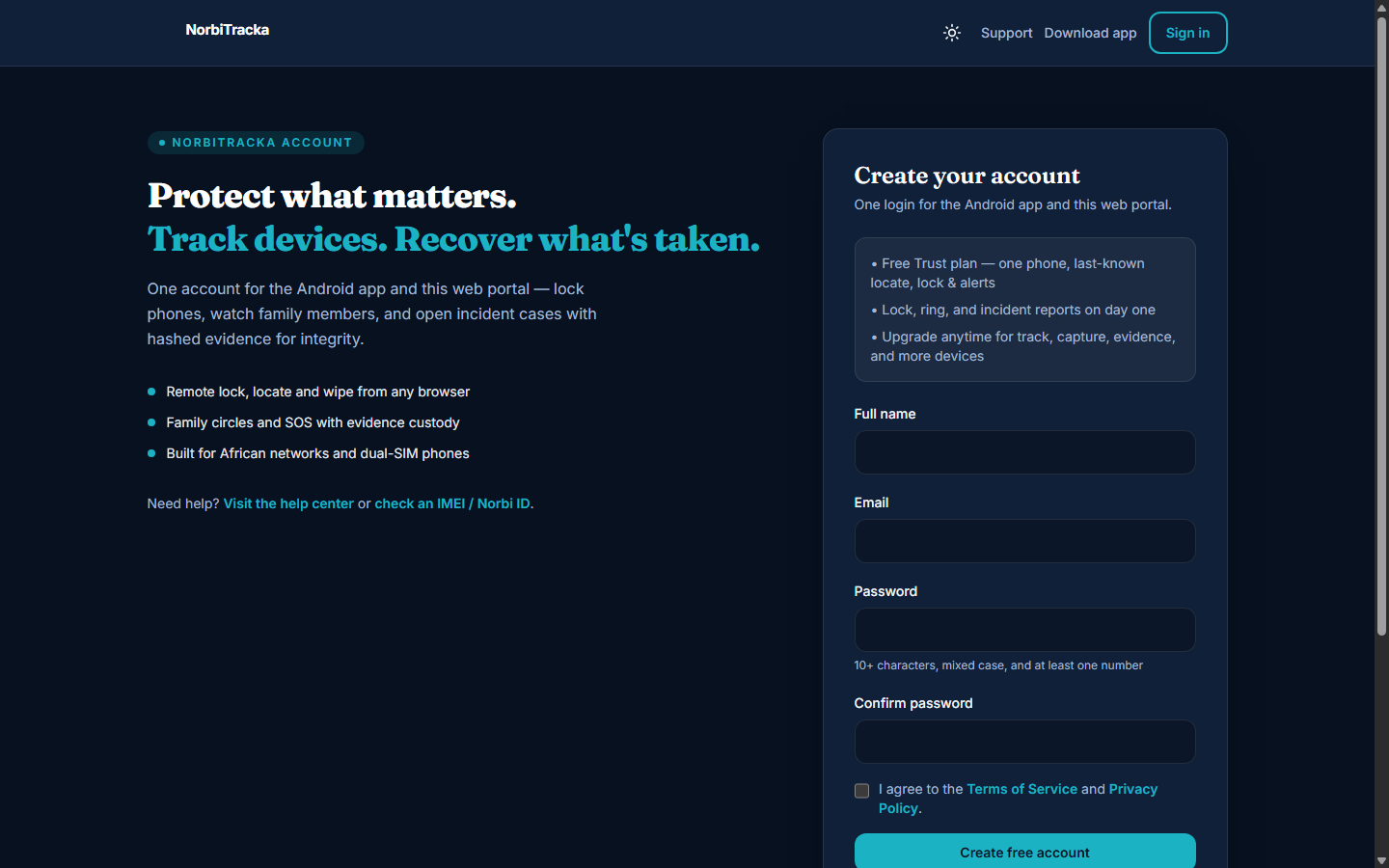
Create your account
Register once with email. The same credentials work on the Android app and portal.norbitracka.com.
Use a strong password: 10+ characters, mixed case, and at least one number. Confirm your email if prompted before enrolling devices.
- Open /register/ → enter name, email, password → create account
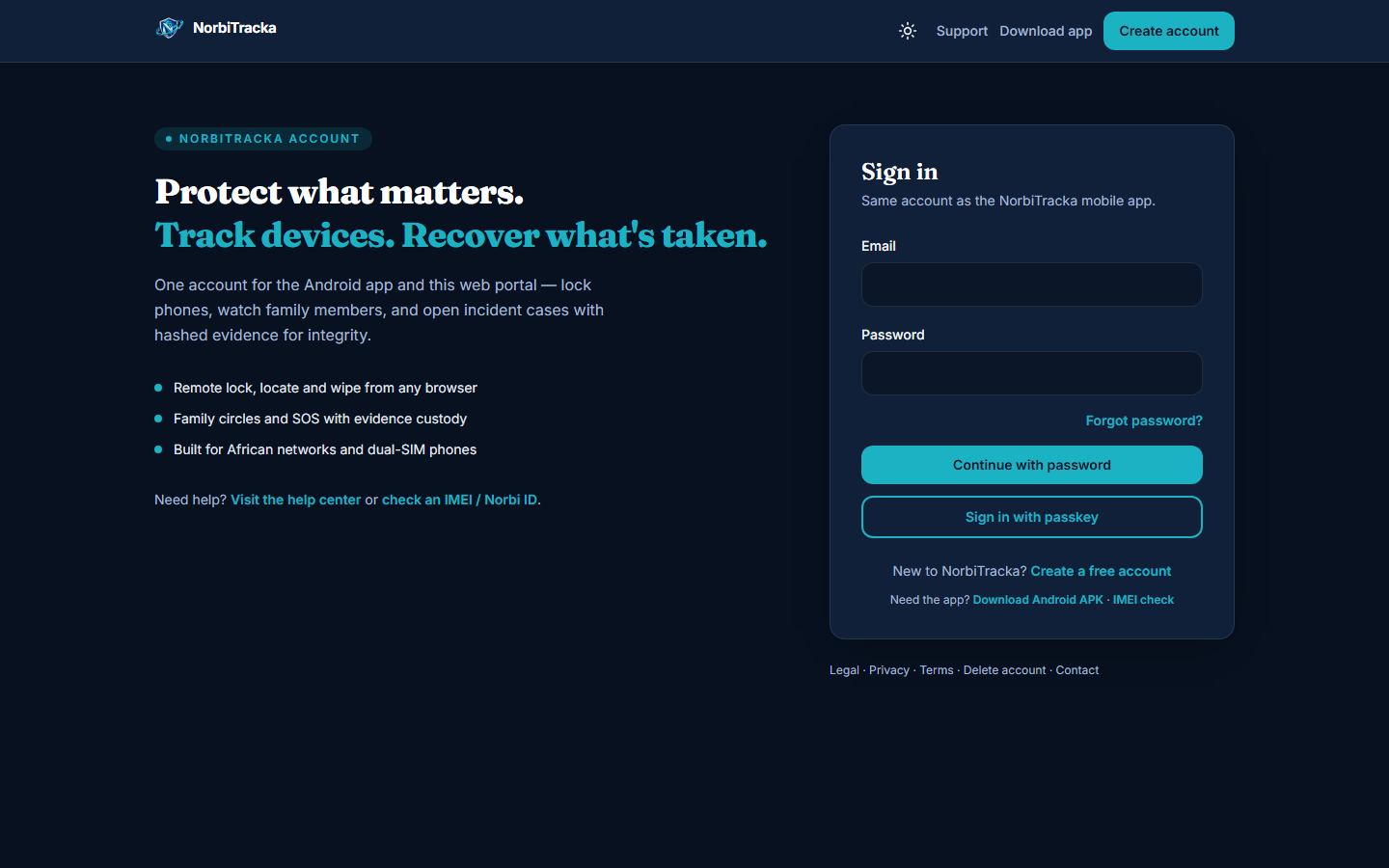
- Sign in at /login/ (or portal.norbitracka.com) with the same email
- Forgot password? Use the reset link on the login screen